Skip to content
NovaStar Control Systems

Built Around NovaStar

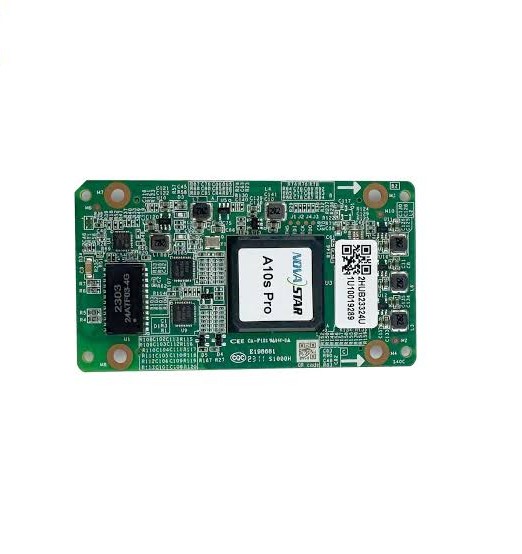
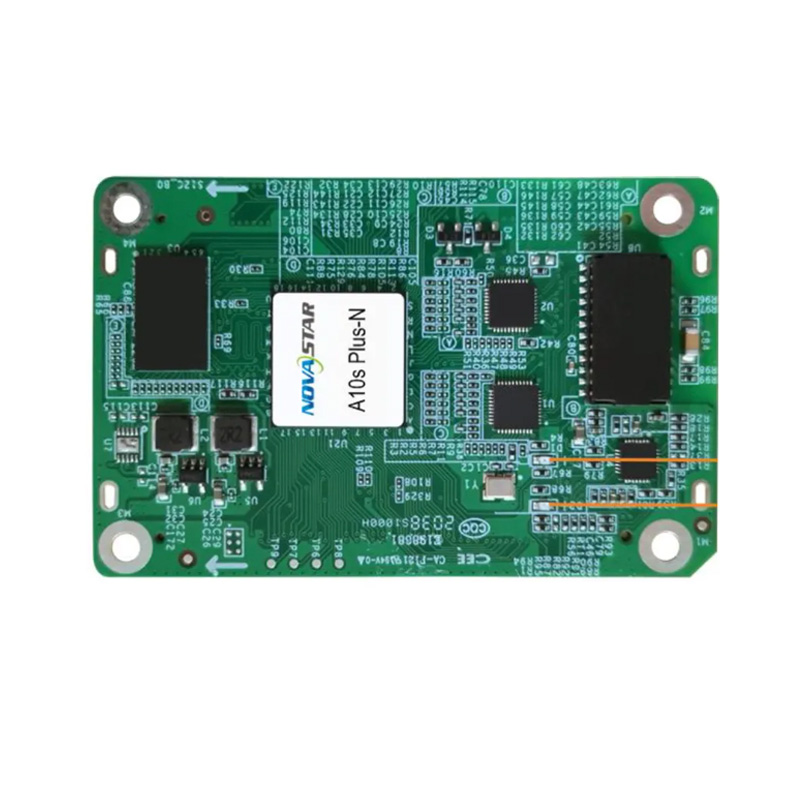
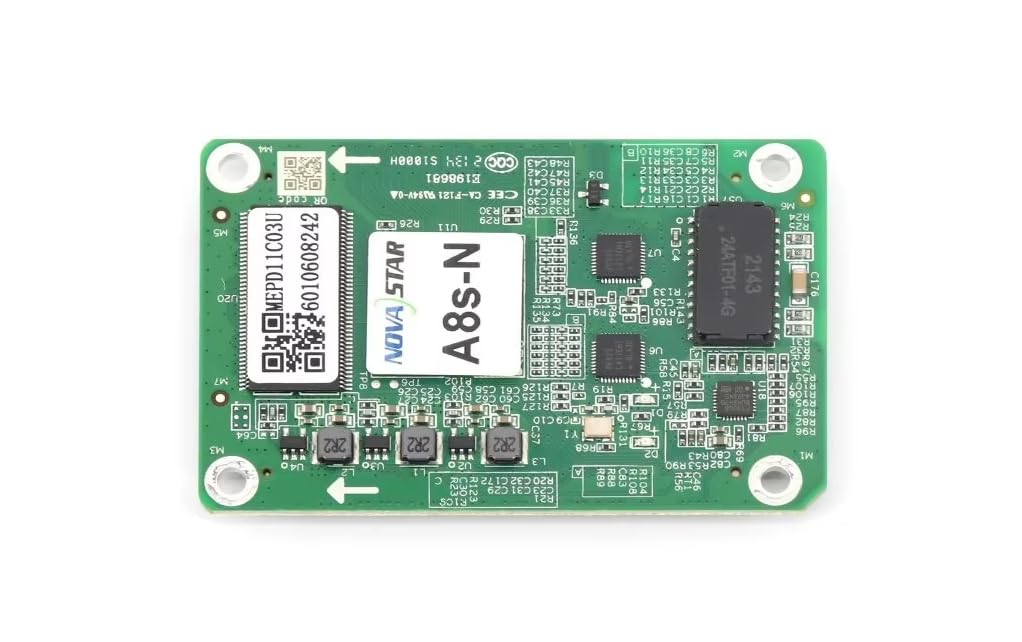
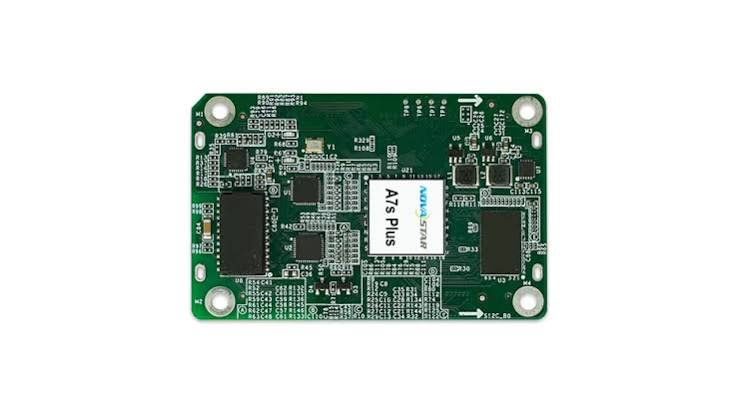
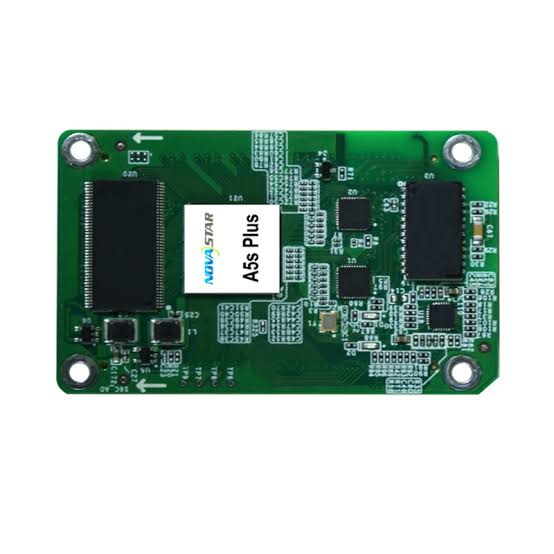
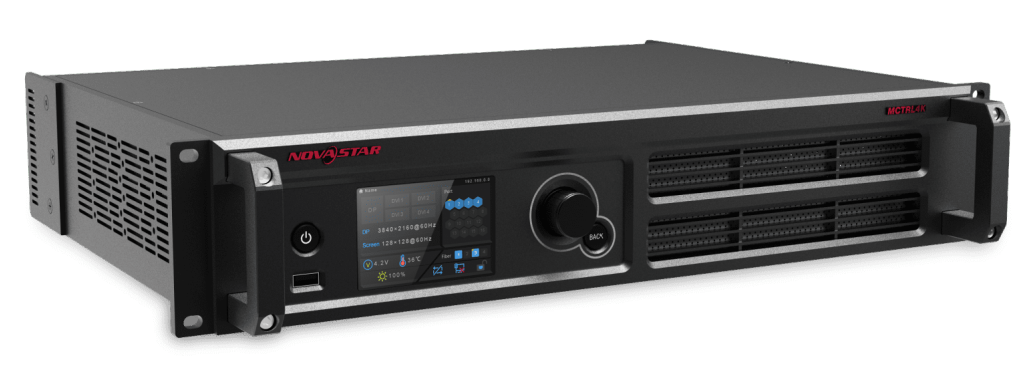
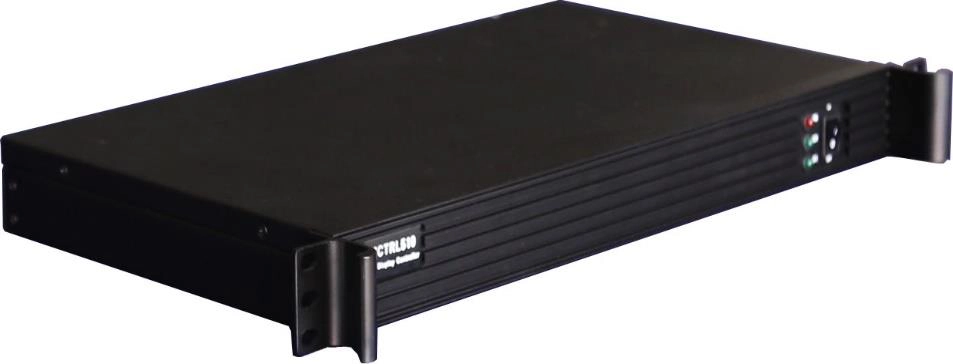
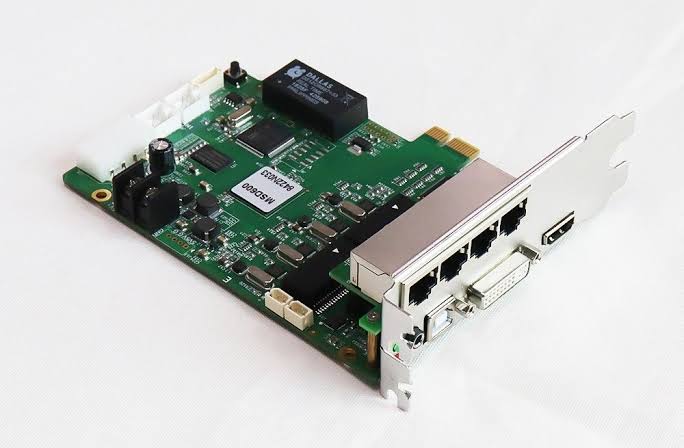
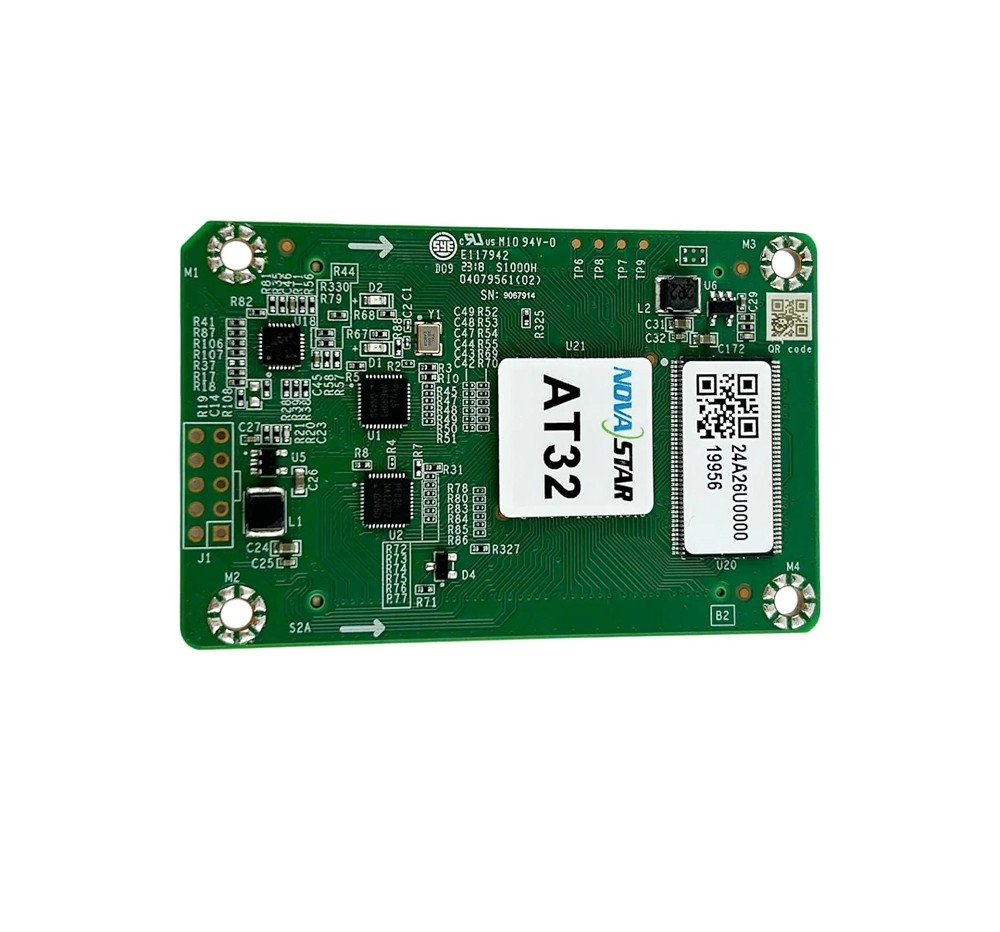
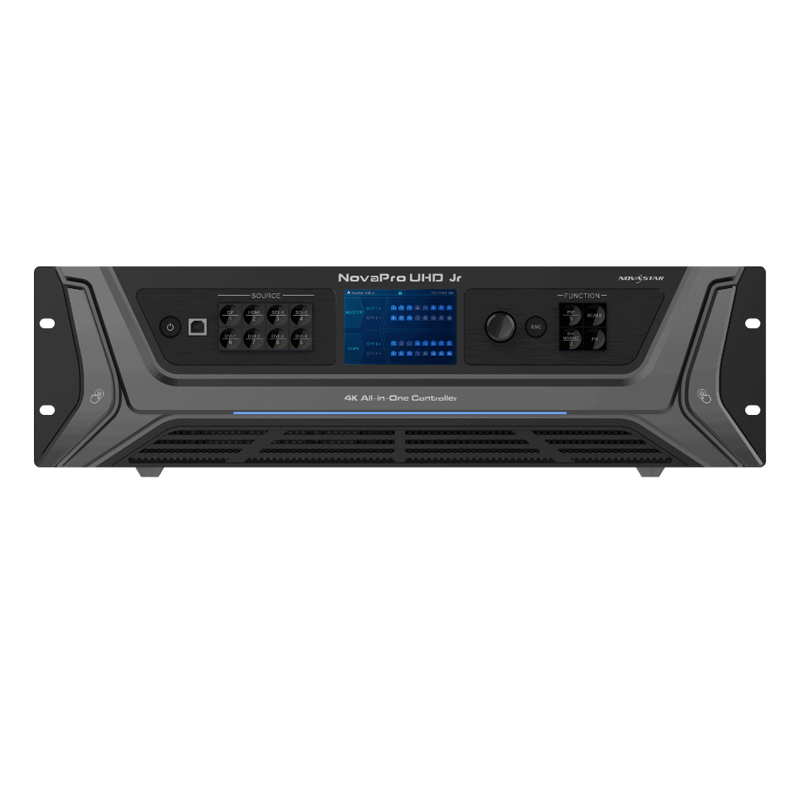
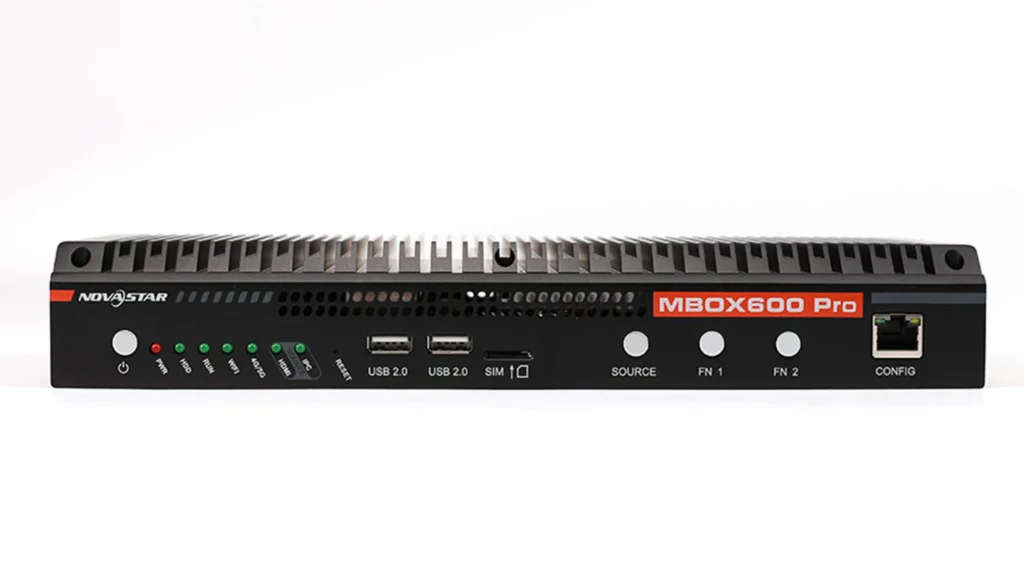
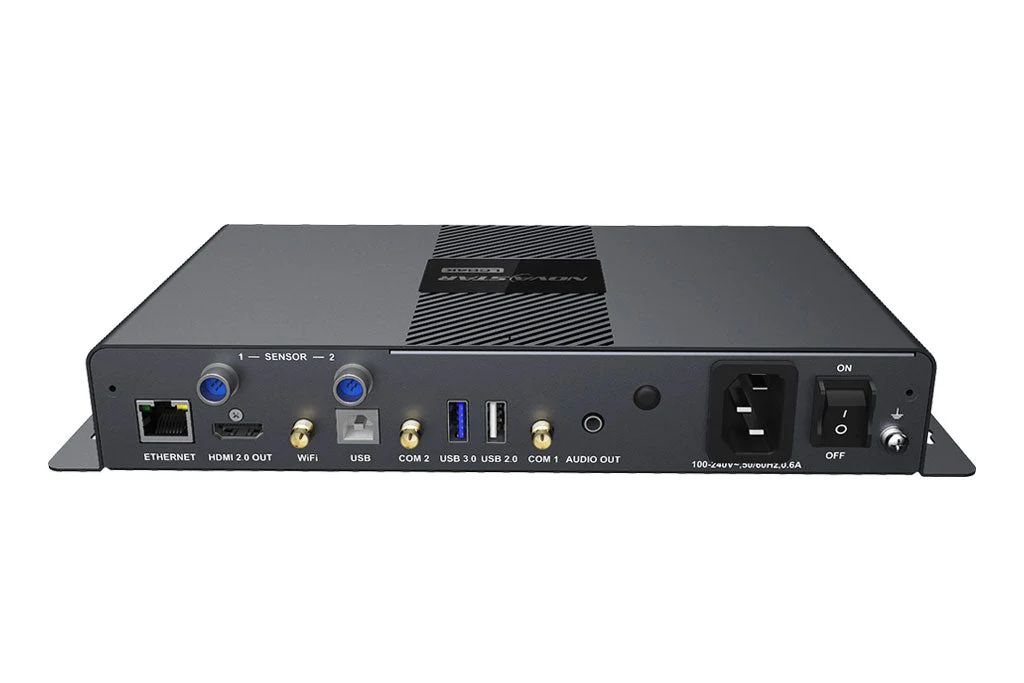
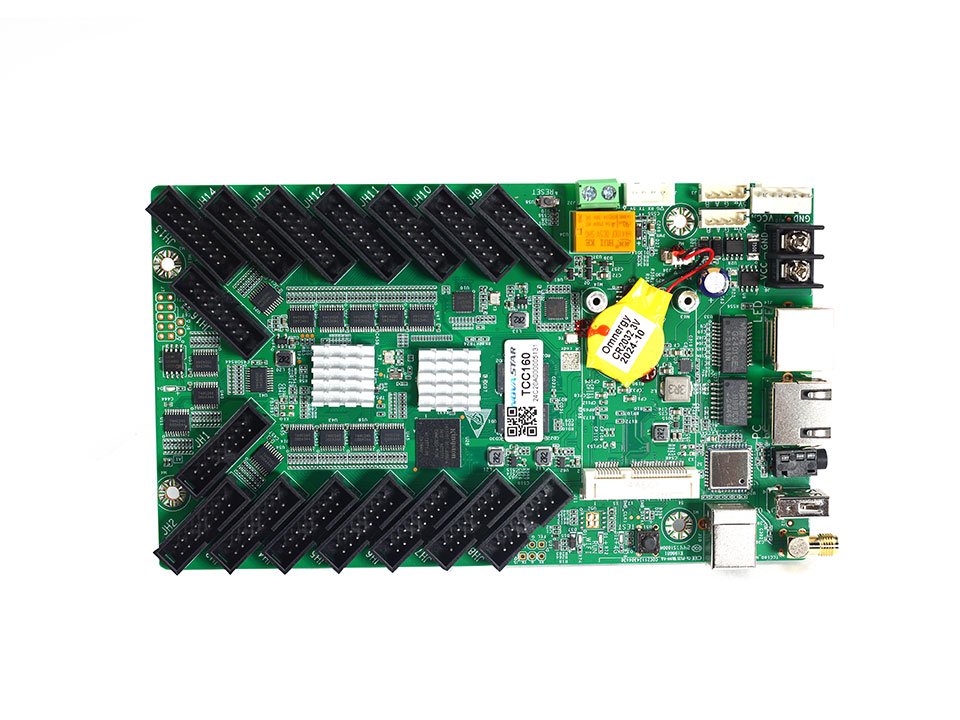
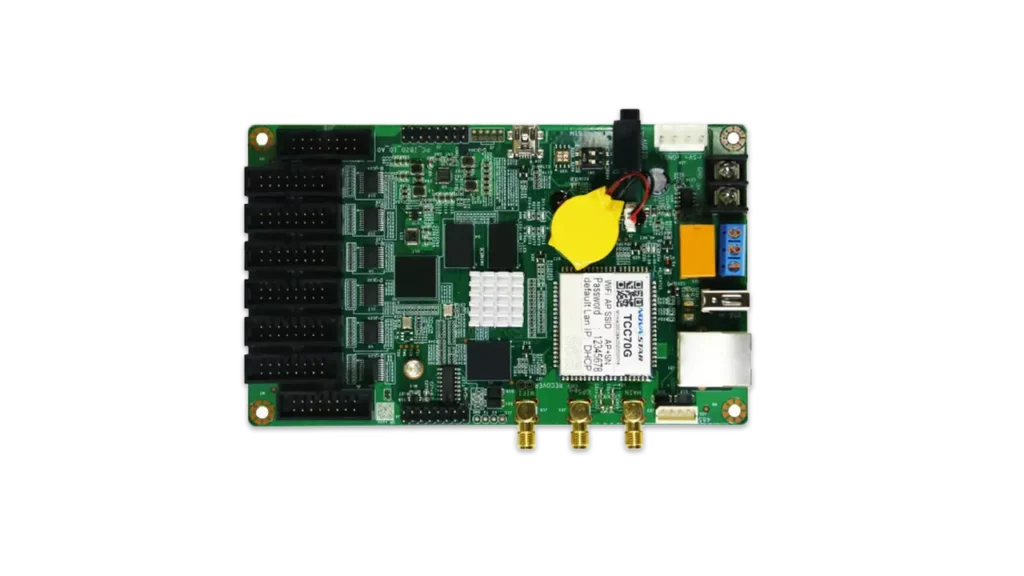
NovaStar is the display control platform behind our LED installations: sending and receiving cards that drive each cabinet, video processors that scale and switch sources, and Nova Cloud software for remote monitoring. We size, configure and commission this control chain as part of every project, so brightness, colour and timing stay consistent from the first panel to the last.

  • 01
    SizeMatch controllers and cards to the resolution and pixel count of your wall.
  • 02
    ConfigureMap cabinets, set brightness and colour, and load the right firmware.
  • 03
    CommissionTest the full chain on site and hand over with remote monitoring.
How the control chain worksTap a step to see the products
The Range

NovaStar Products

Control System

Which sending card do I need?

Pick by the resolution your wall runs at. Not sure? Send us the wall size and pixel pitch.

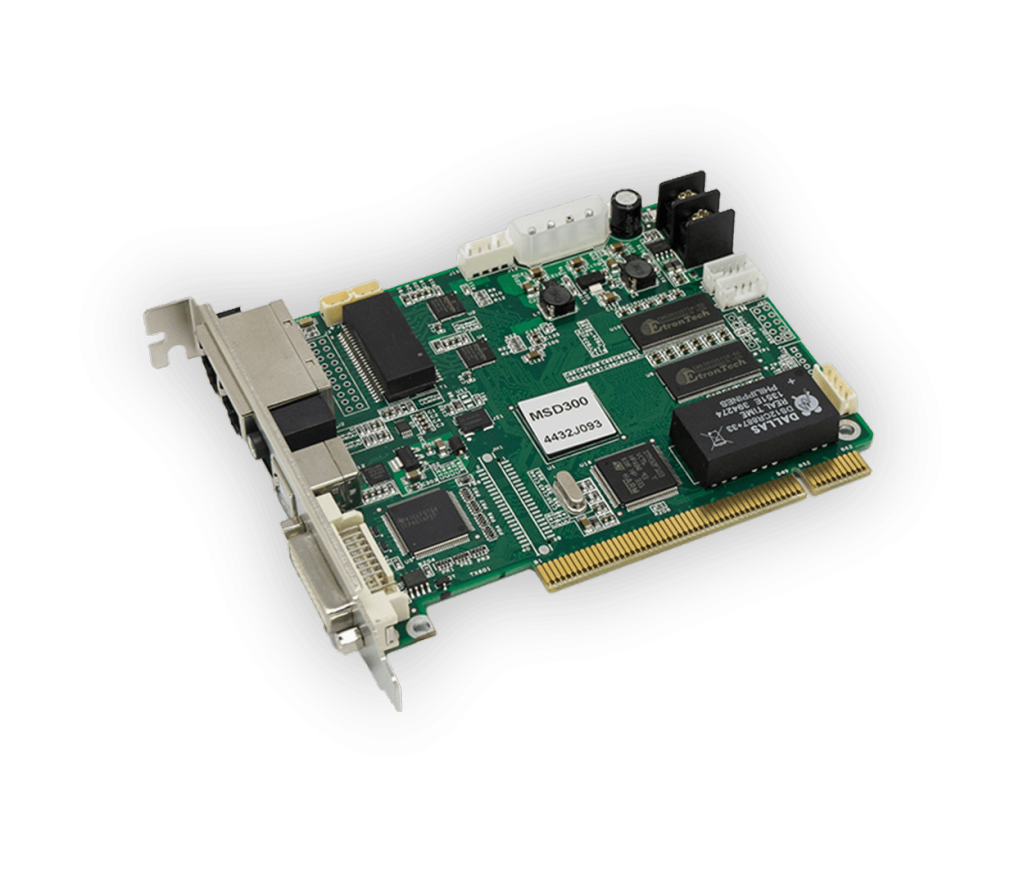
Compact 1080p 4K
Best for Smaller displays and simple control setups Standard LED control on rental and fixed installs Fine-pitch and large-format displays
Resolution Entry-level 1080p 4K
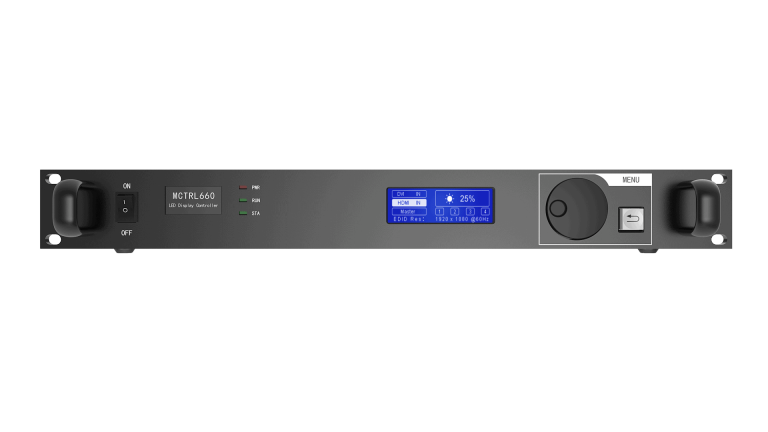
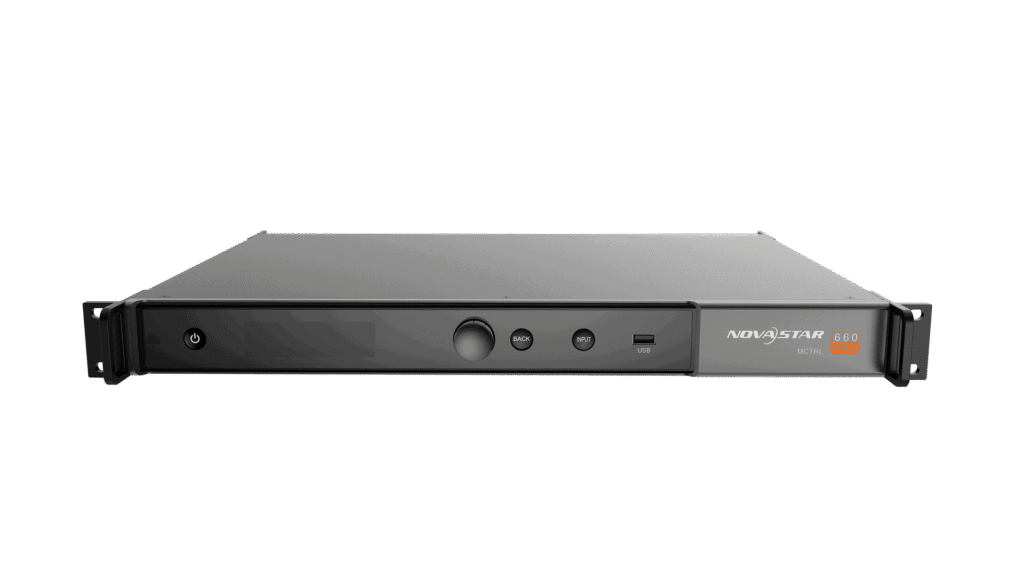
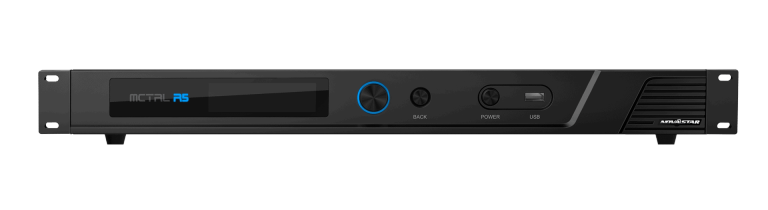
Models MSD300, MCTRL300 MCTRL700, MCTRL600, MCTRL660, MCTRL660 PRO MCTRL R5, MCTRL 4K

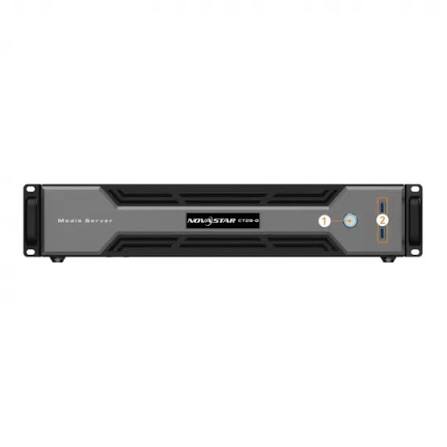
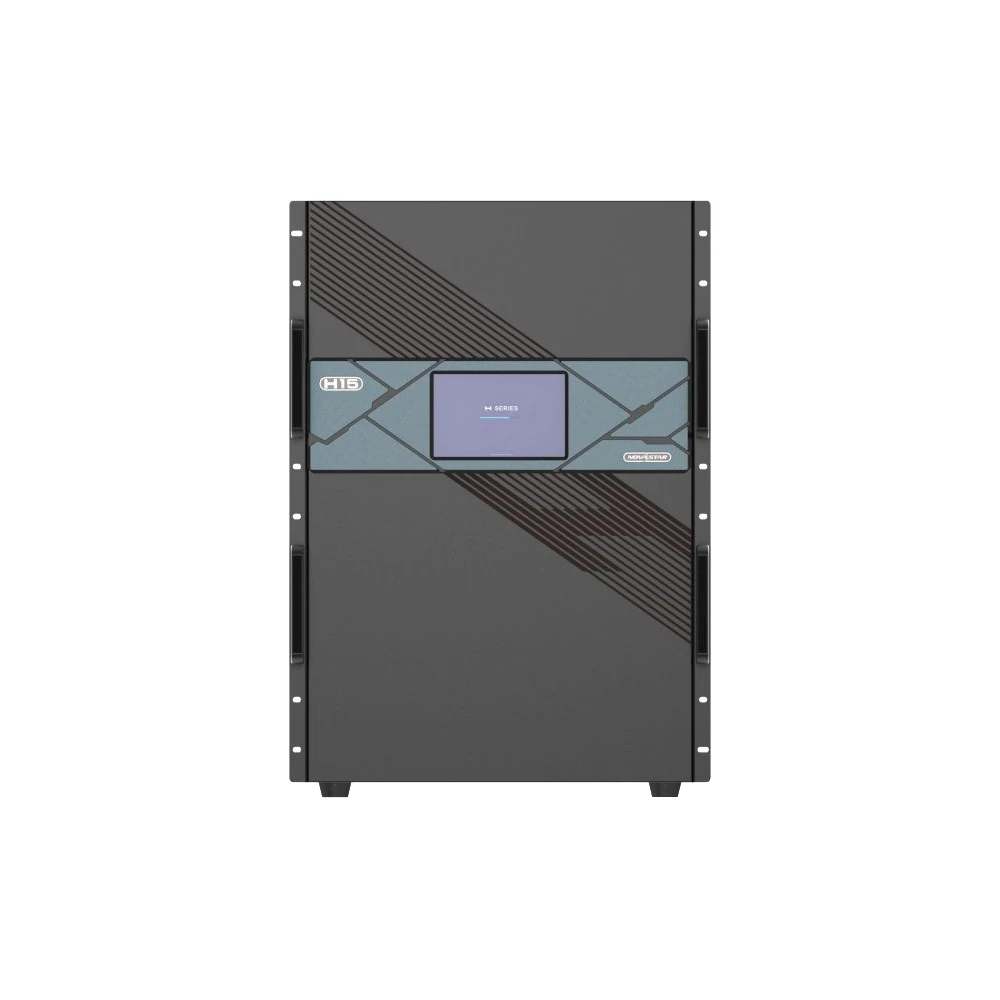
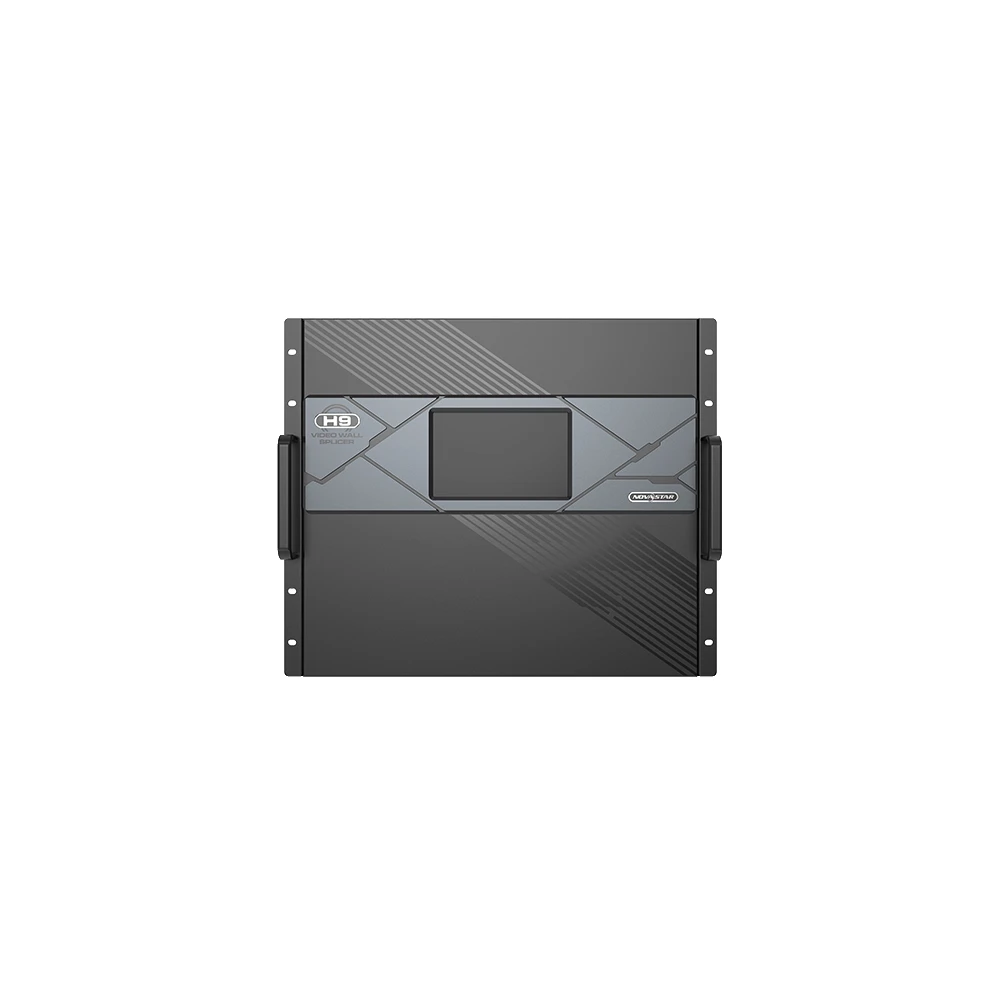
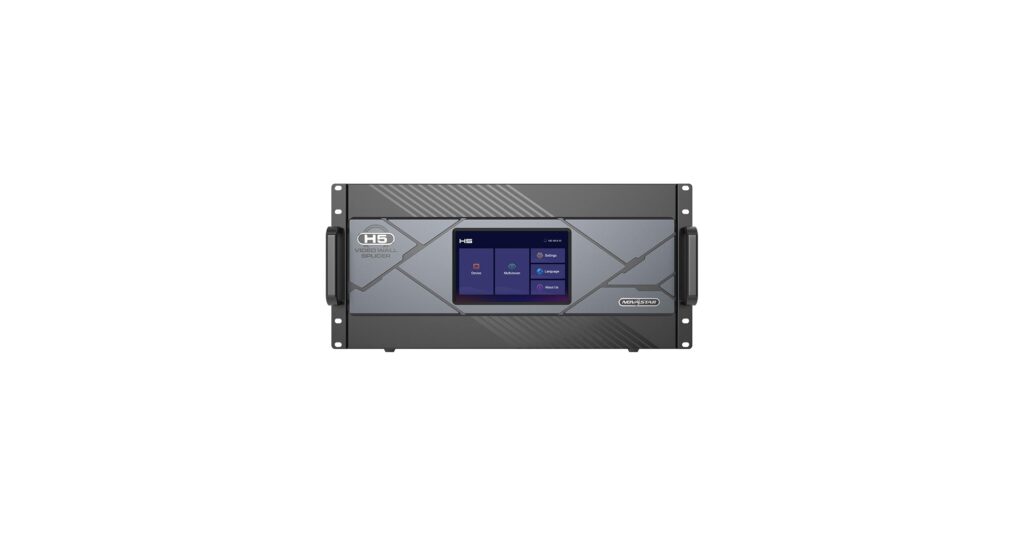
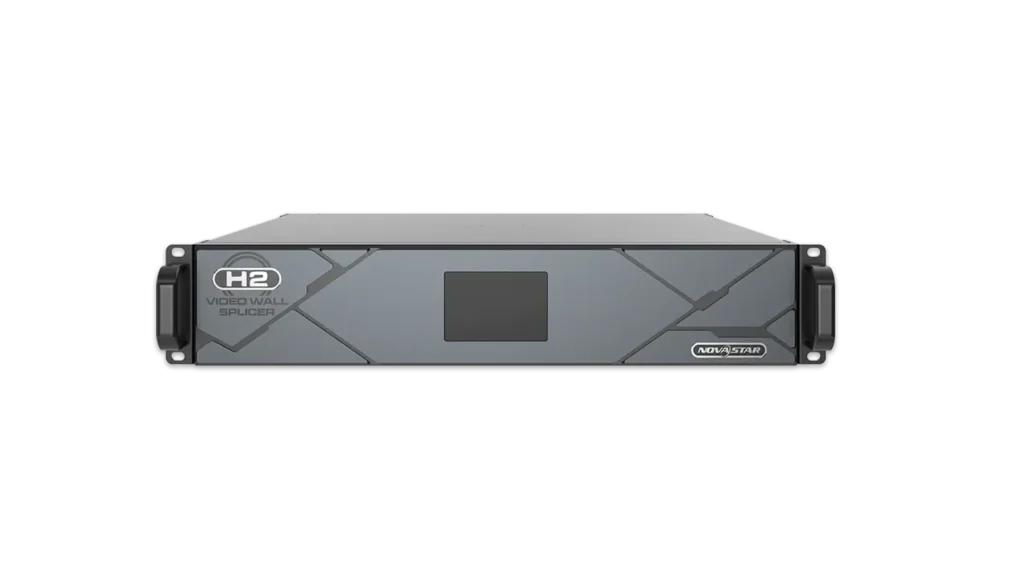
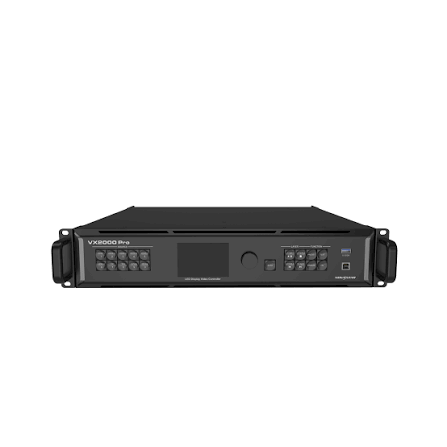
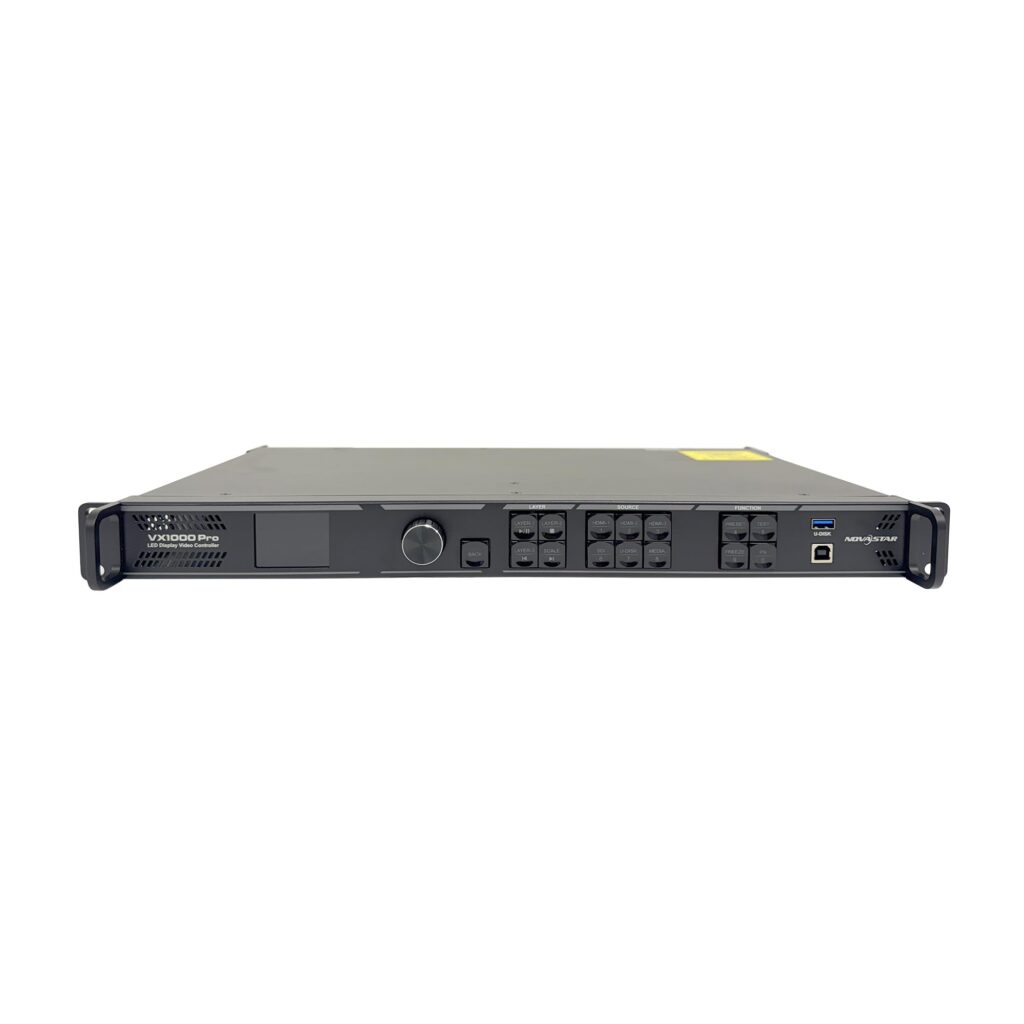
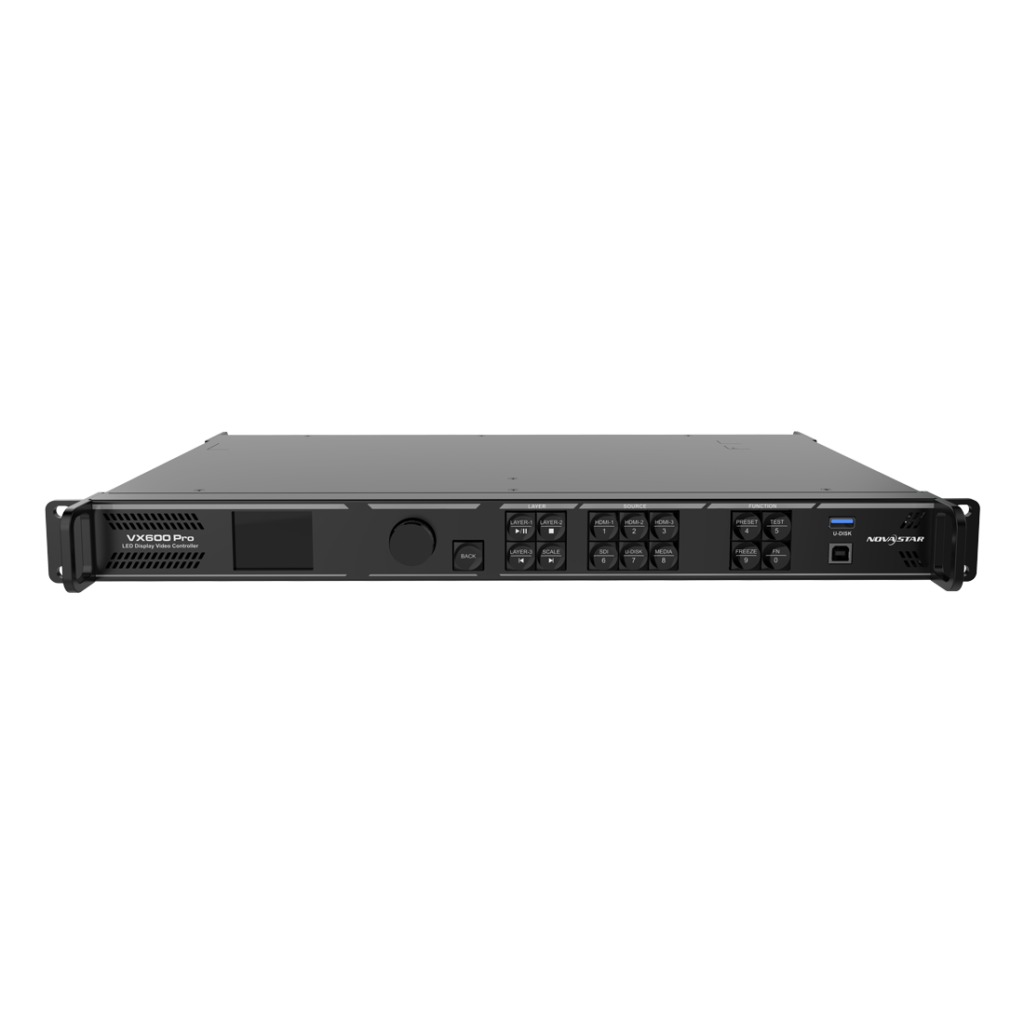
Video Processors

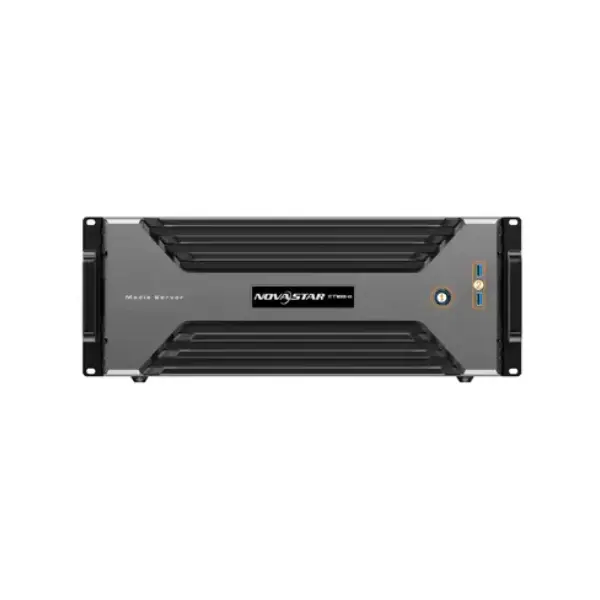
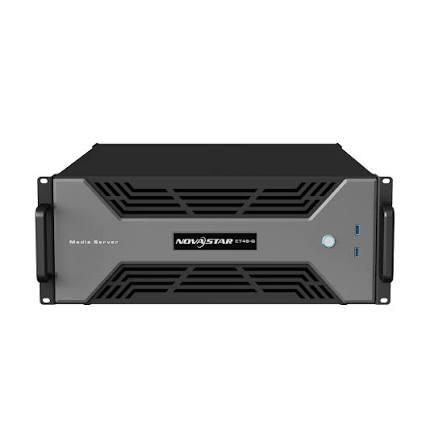
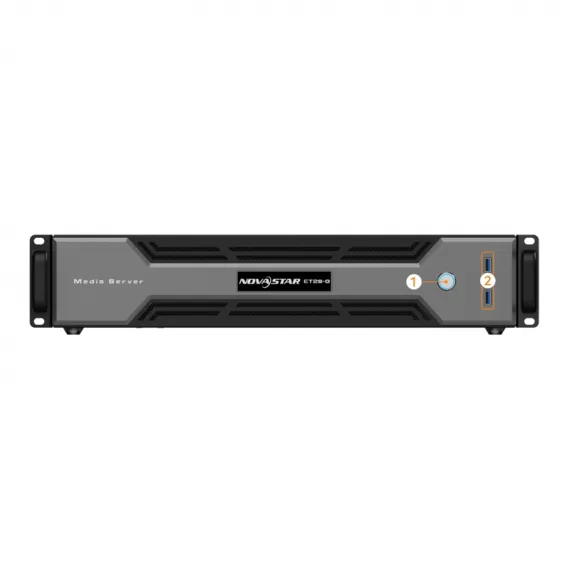
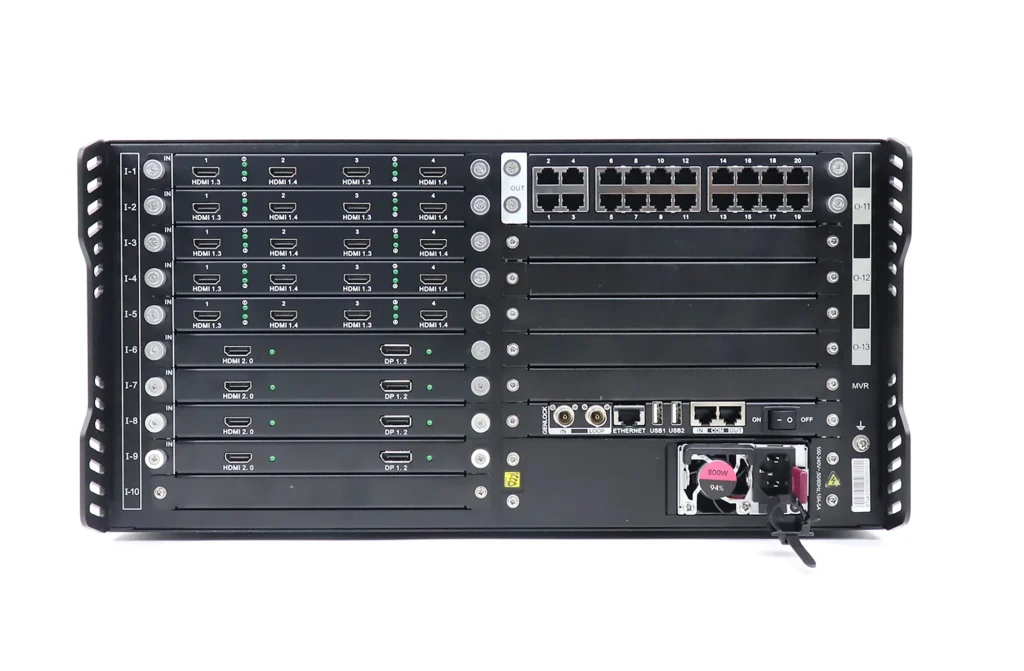
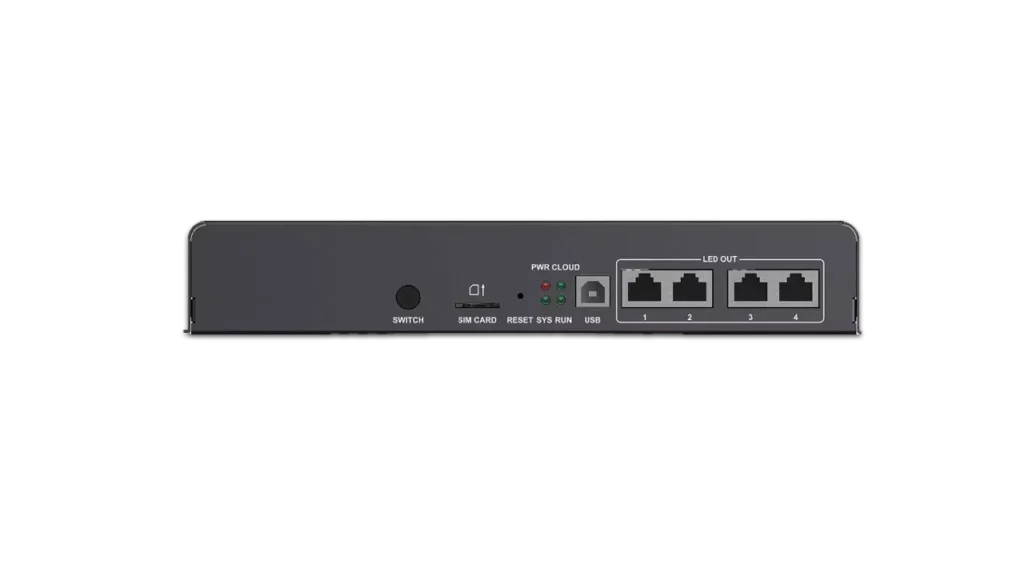
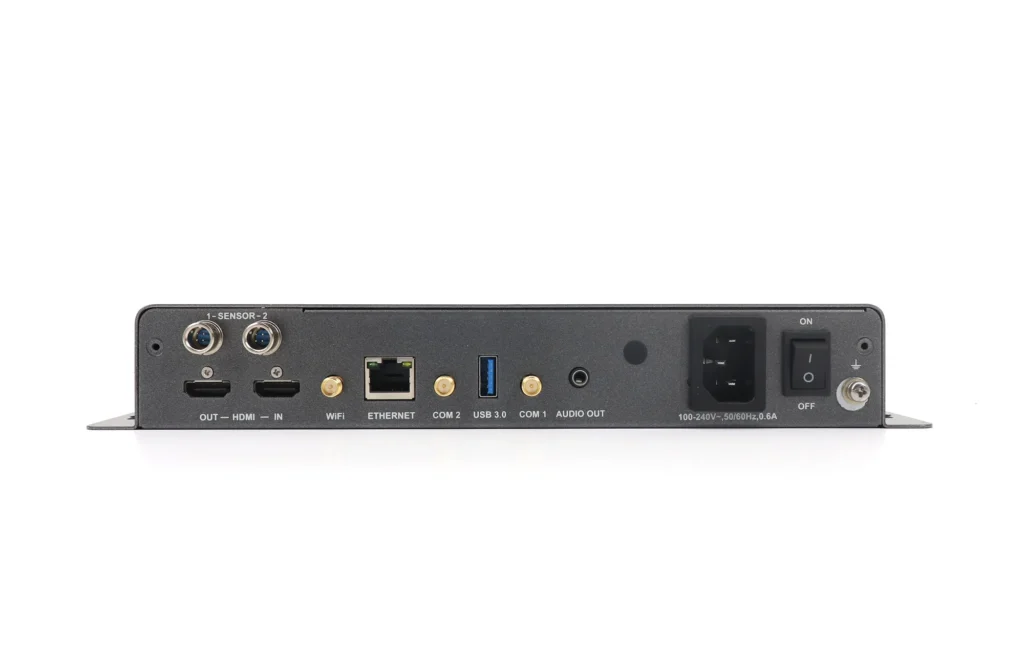
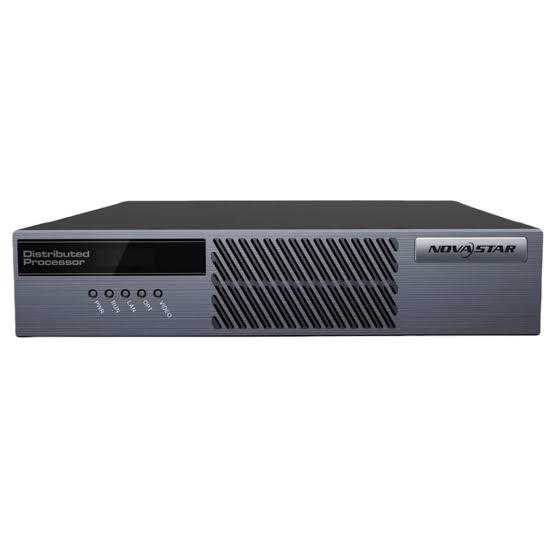
NovaStar ET1S-G
Video Processors

ET1S-G

Downloads coming soon.

FAQ

NovaStar questions we hear often

Can you configure and support NovaStar systems you didn’t install?
Contact our team with the controller and receiving card models and we will tell you what we can do on site or remotely.
Do I need a video processor as well as a sending card?
Only if you need to scale, switch or splice multiple sources onto the wall. For a single source shown at the wall’s native resolution, a sending card or all-in-one controller is usually enough. We confirm this when we size the control chain.
Should I choose COEX 5G or COEX 1G?
COEX 5G is built for large scale, high bandwidth installations. COEX 1G is sized for mid scale displays, from fixed installations to touring rental. Send us the wall size and pixel pitch and we will recommend the right one.
What is the difference between a sending card and a receiving card?
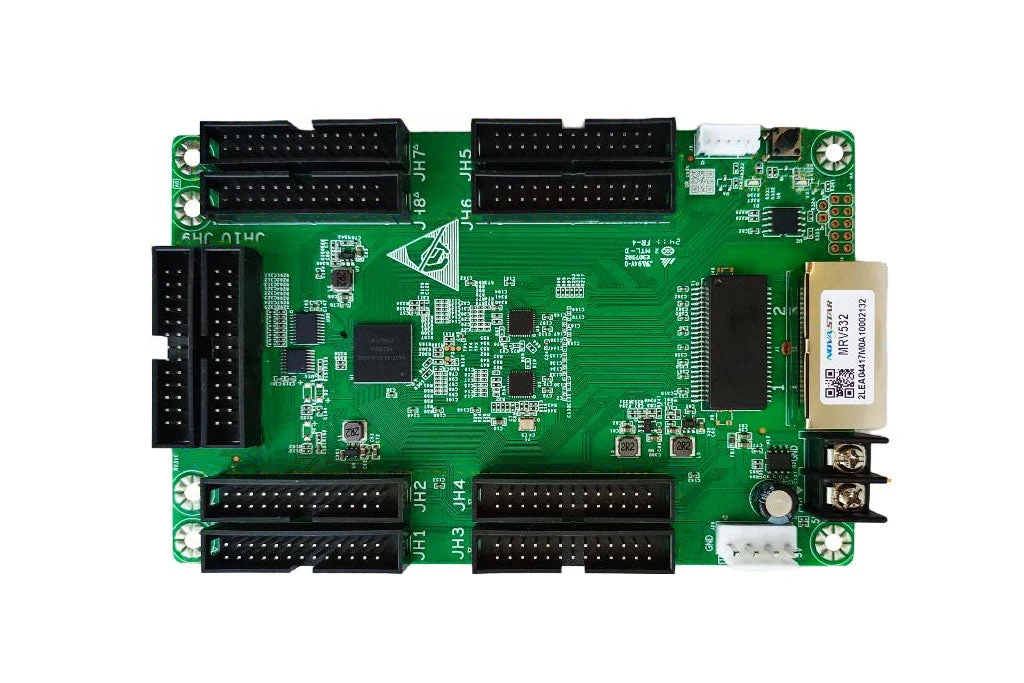
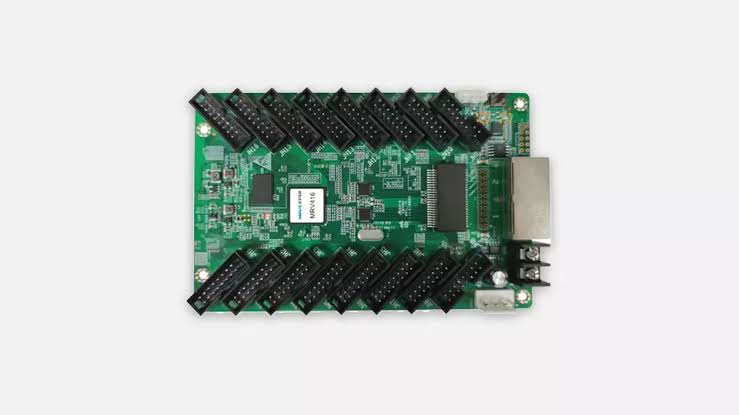
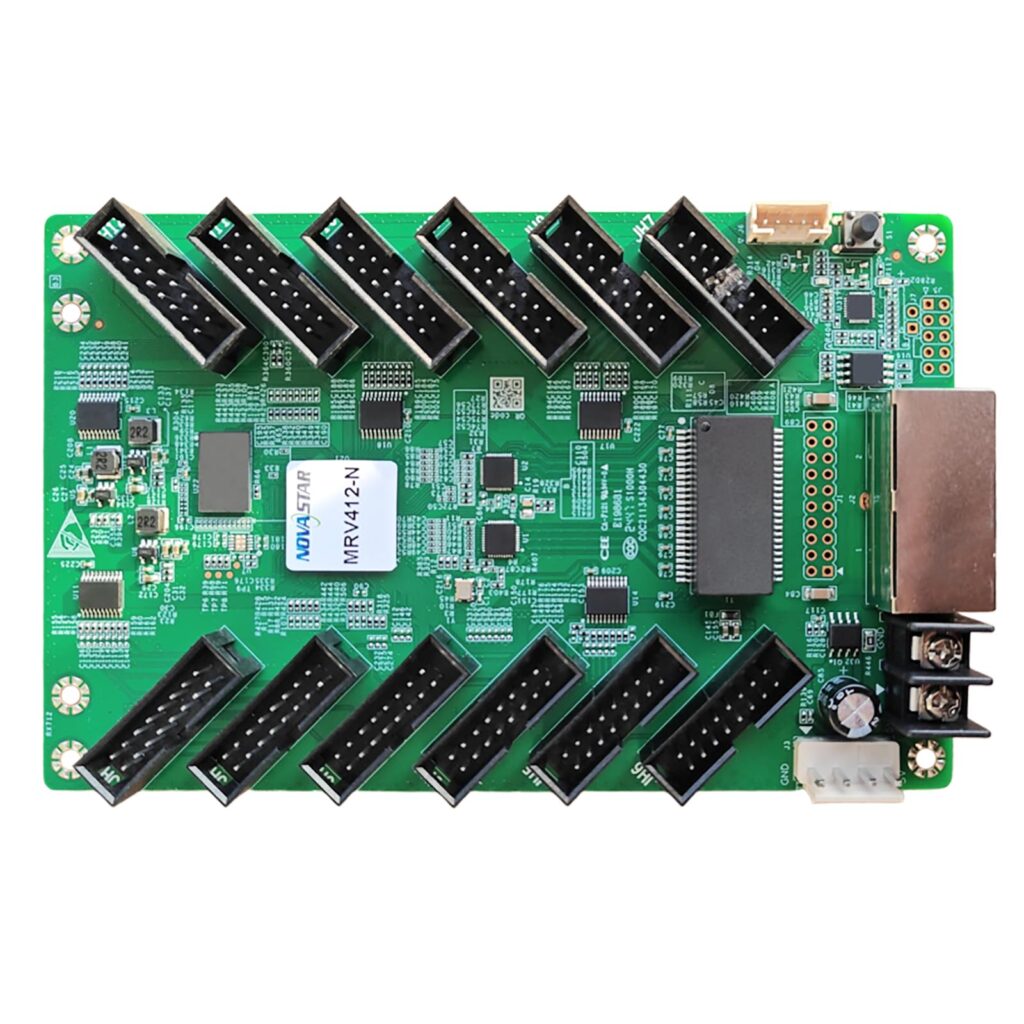
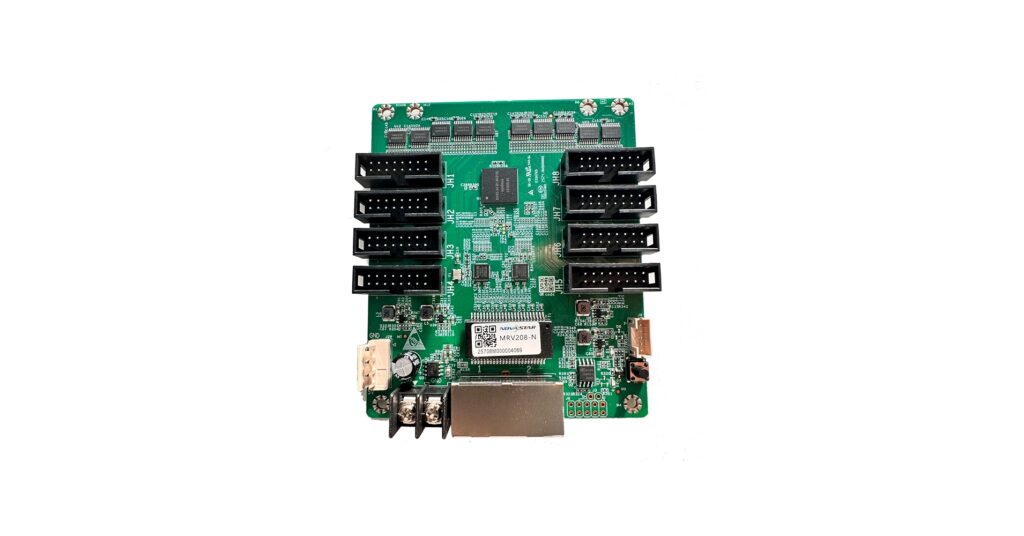
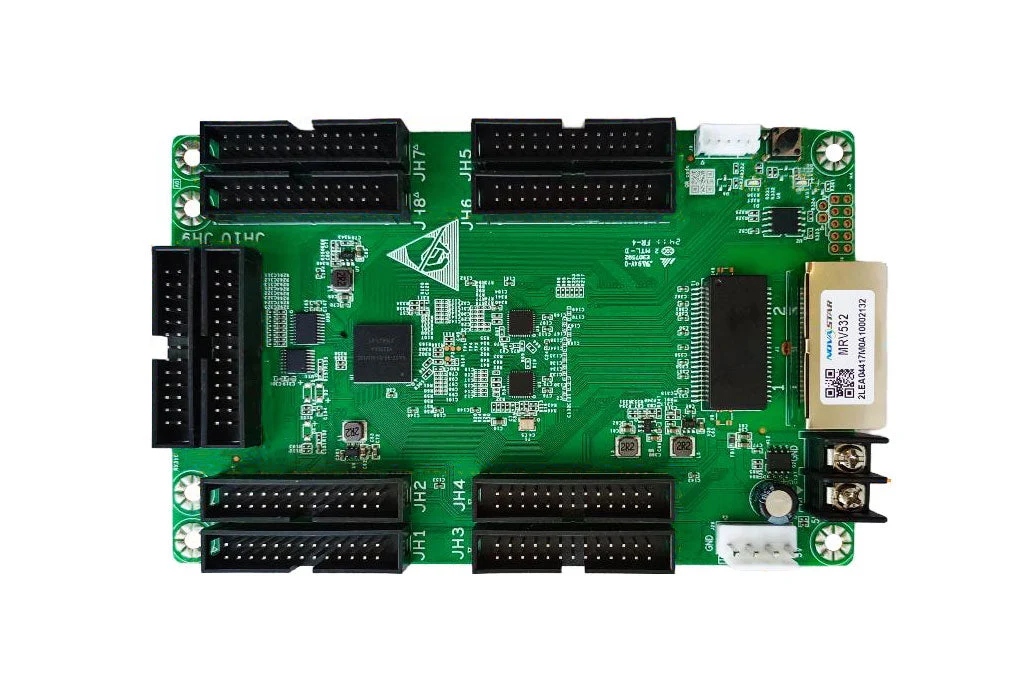
The sending card sits at the source end: it takes the video signal from your PC or processor and sends it out over network cable. Receiving cards sit inside each LED cabinet and drive the LEDs in that cabinet. A screen uses one sending card or controller and many receiving cards.
Planning a display?

Get the right NovaStar control chain, sized for your screen

Share your wall size, pixel pitch and sources. Our engineers will recommend the controllers, cards and software, and quote the full setup.